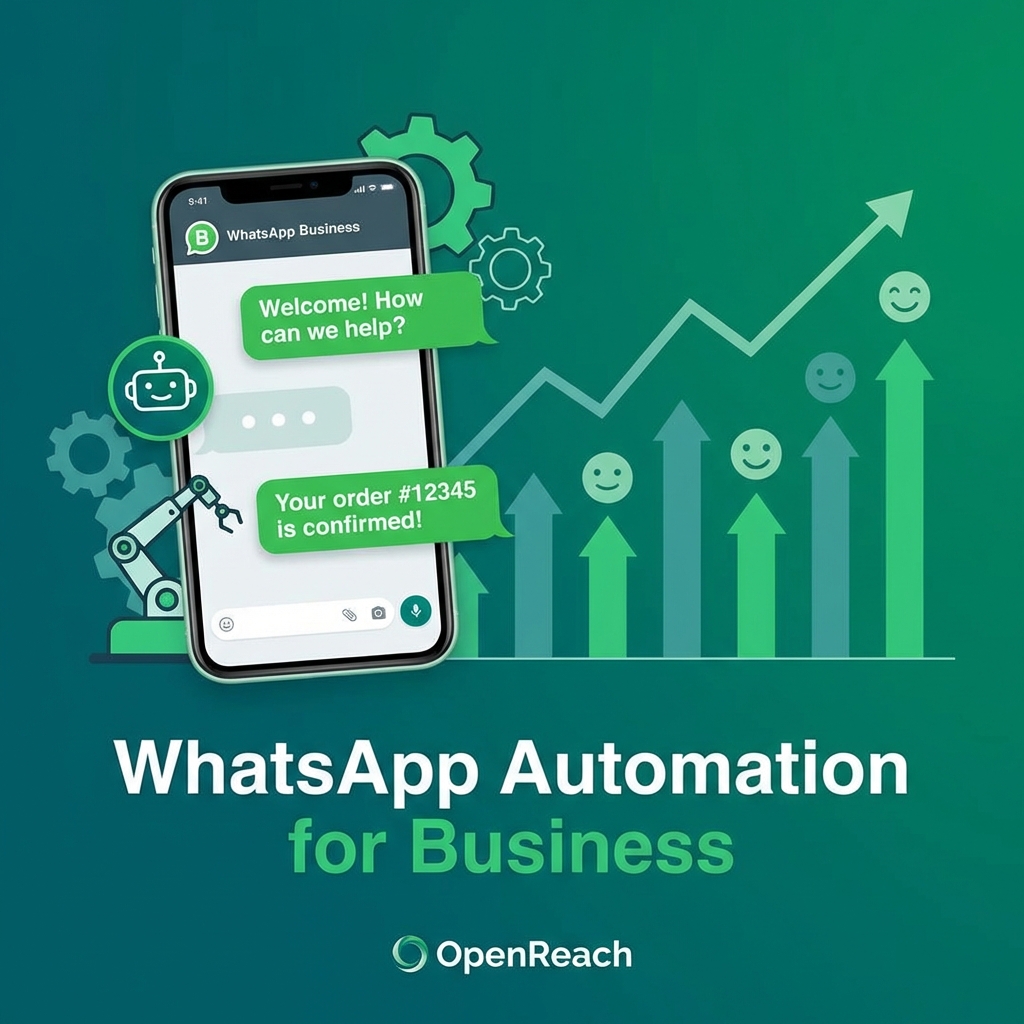
The WhatsApp Revolution: Why Your Business Can't Afford to Ignore It
When was the last time you checked your WhatsApp? Probably within the last hour. You're not alone. With over 2.78 billion active users worldwide and a staggering 98% open rate compared to email's 20%, WhatsApp has become the world's most powerful customer communication channel.
For small and medium businesses, this presents an unprecedented opportunity. While your competitors are still relying on traditional channels like email and phone calls, you can be meeting your customers exactly where they already are—in their most-used app.
The Reality Check: Why Manual WhatsApp Management Fails
Let's be honest about what happens when you try to manage customer WhatsApp conversations manually:
- Missed opportunities after hours: Your potential customers message you at 11 PM, get no response, and buy from your competitor at 11:05 PM
- Inconsistent responses: Different team members give different answers to the same questions
- Overwhelmed staff: During peak hours, messages pile up and response times suffer
- Lost context: Conversations get forgotten, follow-ups don't happen, and leads go cold
The math is simple: if you're losing just 2-3 potential customers per day due to slow or missed responses, that's potentially thousands of dollars in lost revenue every month.
What WhatsApp Automation Actually Means (And Doesn't Mean)
Let's clear up a common misconception: automation doesn't mean replacing human interaction with robots. Smart WhatsApp automation is about augmenting your team, not replacing them.
Here's what a properly implemented WhatsApp automation system does:
Instant First Response (The Golden Window)
Studies show that responding to a lead within the first 5 minutes makes you 100x more likely to convert them compared to waiting 10 minutes. Your automation system greets every new contact instantly, even at 3 AM, with a friendly message like:
"Hi! Thanks for reaching out to [Your Business]. We're excited to help you with [service]. I'm your virtual assistant, and I'm here 24/7. What brings you here today?"
Qualification & Pre-Screening
Instead of your team spending hours asking the same basic questions, your bot can:
- Collect essential information (name, service interest, budget, timeline)
- Identify urgent vs. casual inquiries
- Route high-value leads directly to your sales team
- Schedule appointments automatically
FAQ Handling That Actually Works
Your automation handles the repetitive questions that eat up 60-70% of your team's time:
- "What are your hours?"
- "How much does [service] cost?"
- "Do you deliver to [location]?"
- "What's your return policy?"
This frees your human team to focus on complex questions and actual selling.
Real-World Success Stories: The Numbers Don't Lie
Case Study: Local Restaurant in Meknes
A small restaurant implemented WhatsApp automation for reservations and takeout orders. Results after 3 months:
- 187% increase in after-hours orders
- 43% reduction in no-show reservations (automated reminders)
- 6 hours per day saved on order-taking calls
- €4,200 additional monthly revenue from previously missed opportunities
Case Study: Home Services Business
A plumbing service used automation to handle emergency vs. regular service requests:
- 99% of inquiries received instant responses
- Emergency callouts increased by 34% (24/7 availability)
- Customer satisfaction scores rose from 3.8 to 4.7 stars
- Booking rate improved from 23% to 61%
The Features That Make or Break Your Automation
Not all WhatsApp automation is created equal. Here's what separates amateur setups from professional systems:
1. Natural Language Processing (The Smart Stuff)
Your bot should understand context and variations. When someone asks "r u open now?", "are you guys working today?", or "can I come in?", the bot should understand these are all the same question.
2. Seamless Human Handoff
The bot should know when to step aside. If a customer gets frustrated or asks a complex question, it should smoothly transfer to a human with full conversation context.
3. Broadcasting & Segmentation
Send targeted promotions to specific customer segments. For example:
- Customers who haven't visited in 30 days get a "We miss you" discount
- VIP customers get early access to new services
- Abandoned cart reminders for e-commerce
4. Analytics & Insights
Track what matters:
- Peak inquiry times (so you know when to schedule human staff)
- Most common questions (helps improve products/services)
- Conversion rates at each stage
- Response time averages
Implementation: Getting Started Without Getting Overwhelmed
Phase 1: The Quick Wins (Week 1)
- Set up WhatsApp Business account
- Create automated greeting message
- Set up away messages for outside business hours
- Add quick reply templates for common questions
Phase 2: Smart Automation (Weeks 2-3)
- Implement basic chatbot flow for lead qualification
- Set up appointment booking automation
- Create customer segments in your database
- Configure analytics tracking
Phase 3: Advanced Features (Month 2+)
- AI-powered responses for complex queries
- Integration with CRM and other business tools
- Automated follow-up sequences
- Broadcast campaigns and drip sequences
Common Mistakes to Avoid (Learn From Others' Pain)
Mistake #1: Over-Automation
Don't automate everything. Some conversations require human empathy and nuance. A customer complaining about poor service should immediately reach a human, not get stuck in a bot loop.
Mistake #2: Robotic Language
Your bot should sound like your brand. If you're a friendly local business, don't write like a corporate law firm. Use emojis (sparingly), be conversational, and match your customers' tone.
Mistake #3: No Escape Hatch
Always provide a clear way to reach a human. "Reply with 'HUMAN' or type 'speak to someone' anytime to connect with our team."
Mistake #4: Set-and-Forget Mentality
Review your automation performance weekly. Update responses based on common customer feedback. Automation requires maintenance.
The Cost-Benefit Reality Check
Let's talk real numbers. A professional WhatsApp automation setup typically costs:
- Basic setup: €200-500 one-time
- Monthly service: €15-50 depending on message volume
- Advanced AI features: €50-150/month
Compare this to:
- Hiring additional customer service staff: €1,500-2,500/month
- Lost sales from missed inquiries: Potentially thousands per month
- Overtime costs for after-hours manual responses: €500-1,000/month
The ROI is typically positive within the first month for most businesses.
How OpenReach Makes This Effortless
At OpenReach, we've implemented WhatsApp automation for over 150 local businesses across Morocco. Here's our proven process:
- Discovery Call (Free): We analyze your current customer communication patterns and identify automation opportunities
- Custom Flow Design: We map out conversation paths specific to your business, not generic templates
- Implementation & Testing: We set up, test, and refine everything before going live
- Training & Handoff: Your team learns how to manage and modify the system
- Ongoing Support: We're here for updates, improvements, and scaling
Special for businesses in Meknes: We offer on-site support and training in Darija/French to ensure your team is 100% comfortable with the system.
Your Next Steps (Don't Wait—Your Competitors Aren't)
The businesses that adopt WhatsApp automation now are building a significant competitive advantage. In 12 months, this will be table stakes—everyone will have it. But for now, you have a chance to be ahead of the curve.
Take action today:
- Audit your current response times: Track how long it takes you to respond to WhatsApp inquiries over the next week
- Calculate your opportunity cost: How many potential customers message you outside business hours?
- Schedule a free consultation: Contact OpenReach and let's discuss your specific needs (no obligation, no sales pitch—just honest advice)
Your customers are already on WhatsApp. The question isn't whether to automate—it's how soon you can get started.
Ready to Grow Your Business?
See how OpenReach can help you implement these strategies today.
Get a Free Consultation